Not starting up
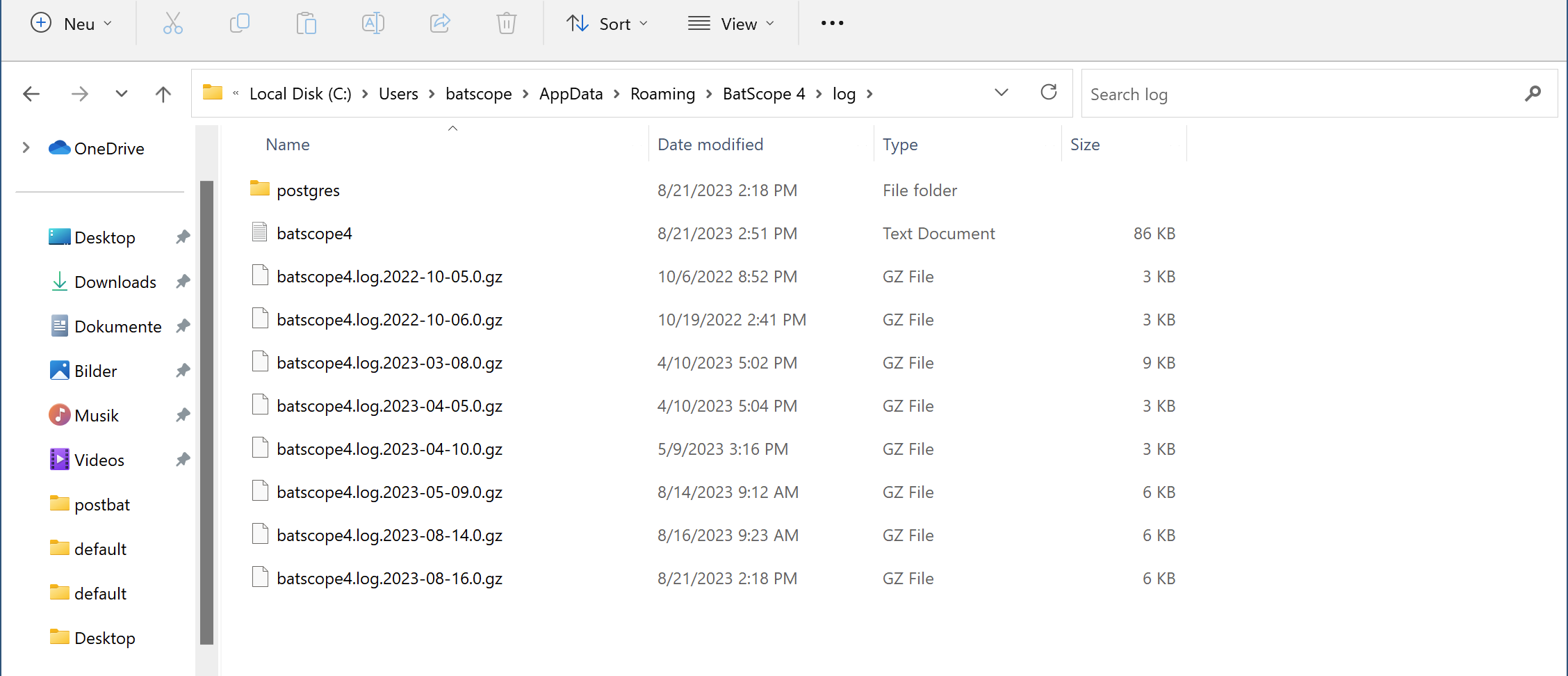
During startup BatScope 4 writes state information to a log-file. This log-file allows often to detect major and minor problems and you may be asked to send this log-file back for analysis. If the problem occurred earlier tha “now”, you have to select the appropriate timestamped-log (which ends with .gz).
Mac OS
User settings and log files are written to the user’s library folder ~/Library/Application Support/BatScope4.
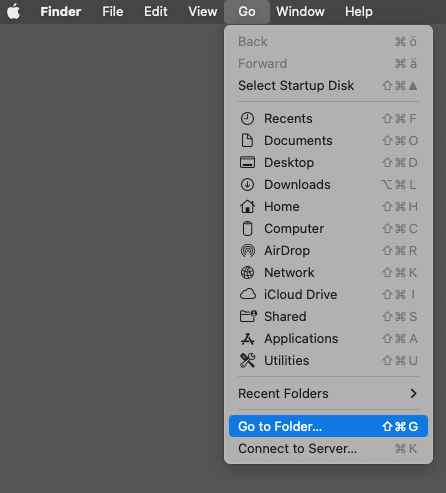
Open the Finder and select Go to Folder (Shift-Cmd-G):
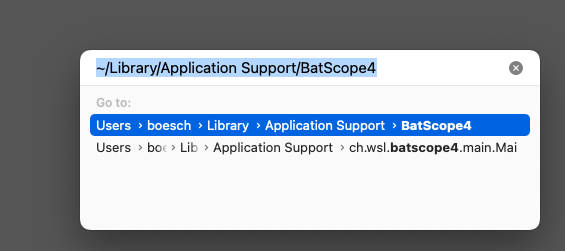
Enter ~/Library/Application Support/BatScope4 followed by return:
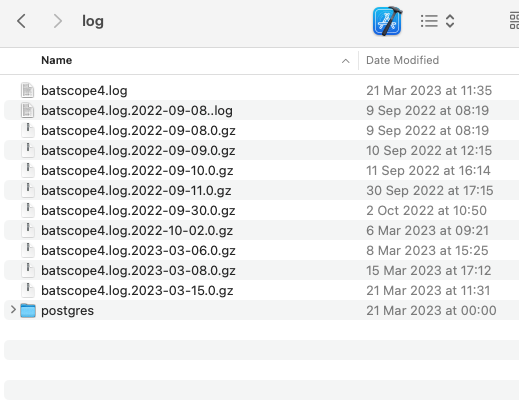
The appearing folder contains the “log”-folder:
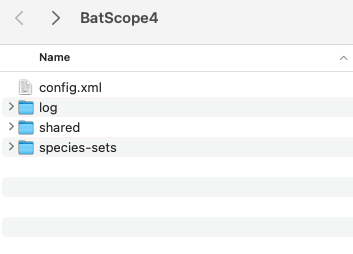
Copy the textfile “batscope4.log” (which is the current log) to your mail-program. If the problem occurred previously, copy the appropriate time-stamped log-file to your mail-program.
Windows
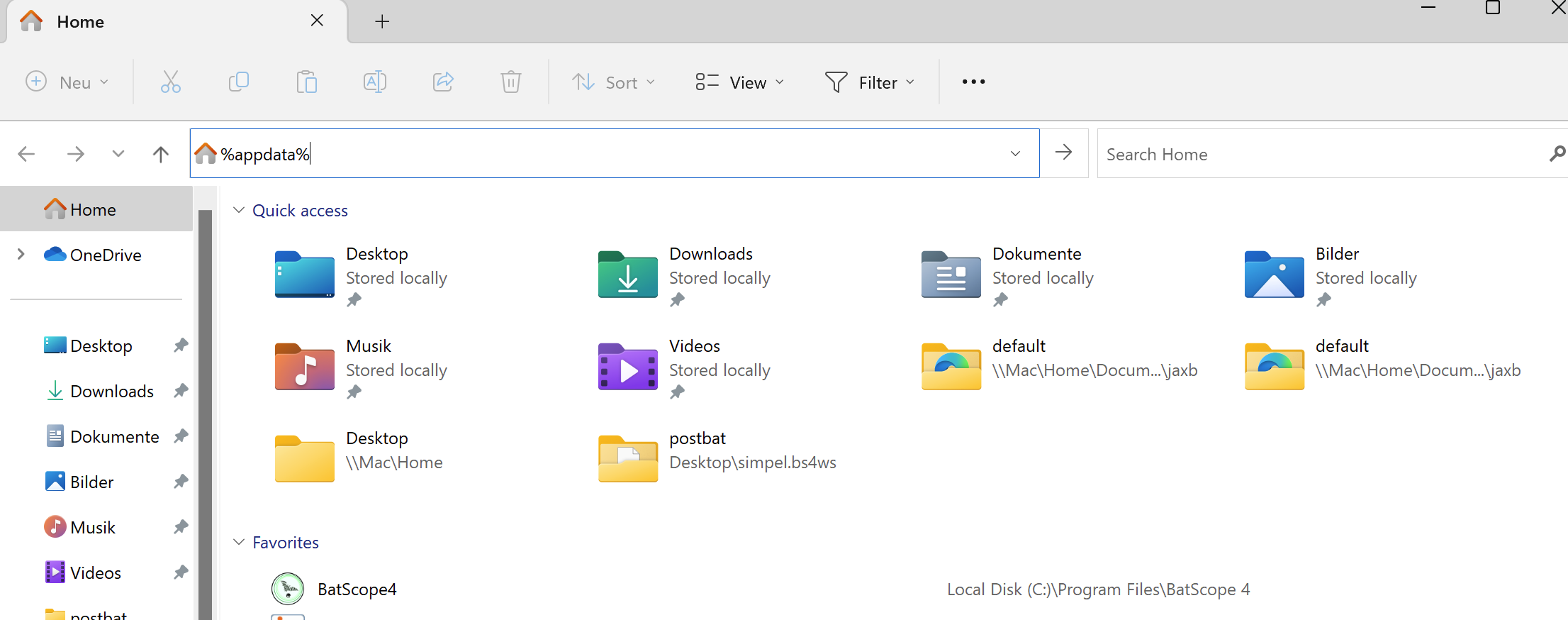
User settings and log files are written to %appdata%\BatScope 4.
Open the Explorer and enter %appdata% followed by return:
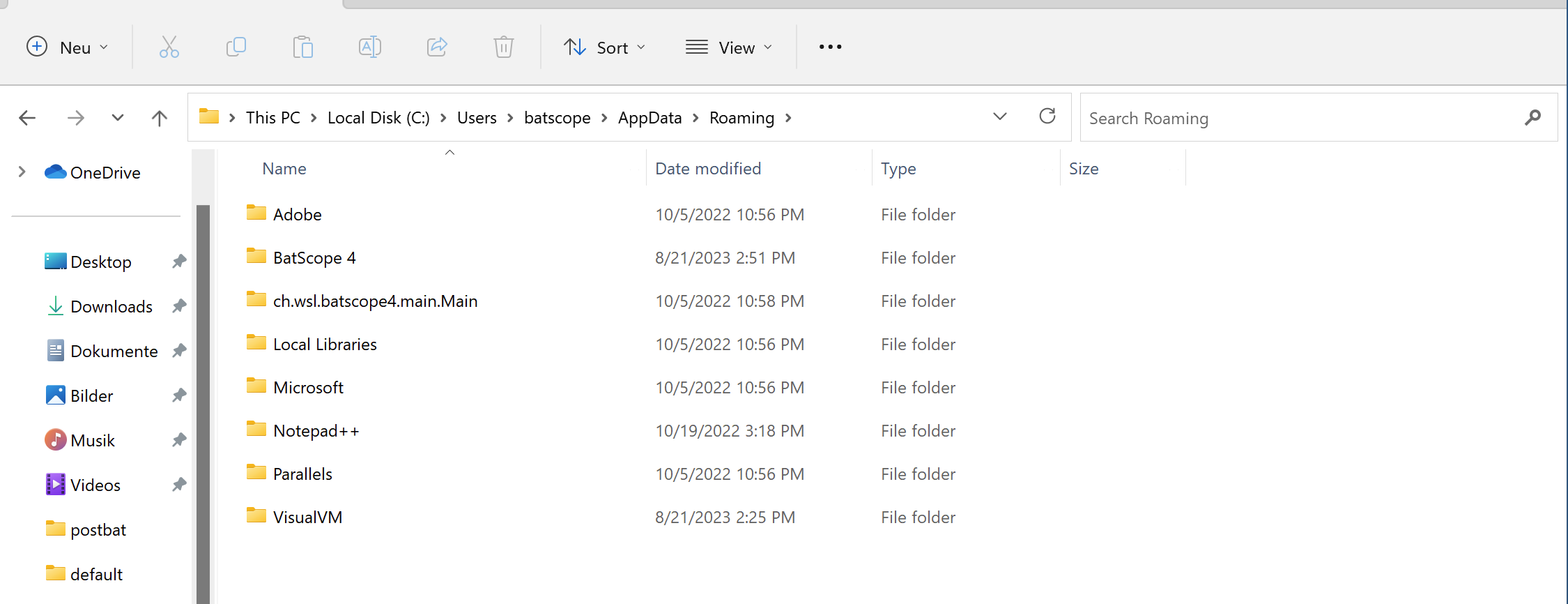
Select the folder BatScope 4:
The appearing folder contains the “log”-folder:
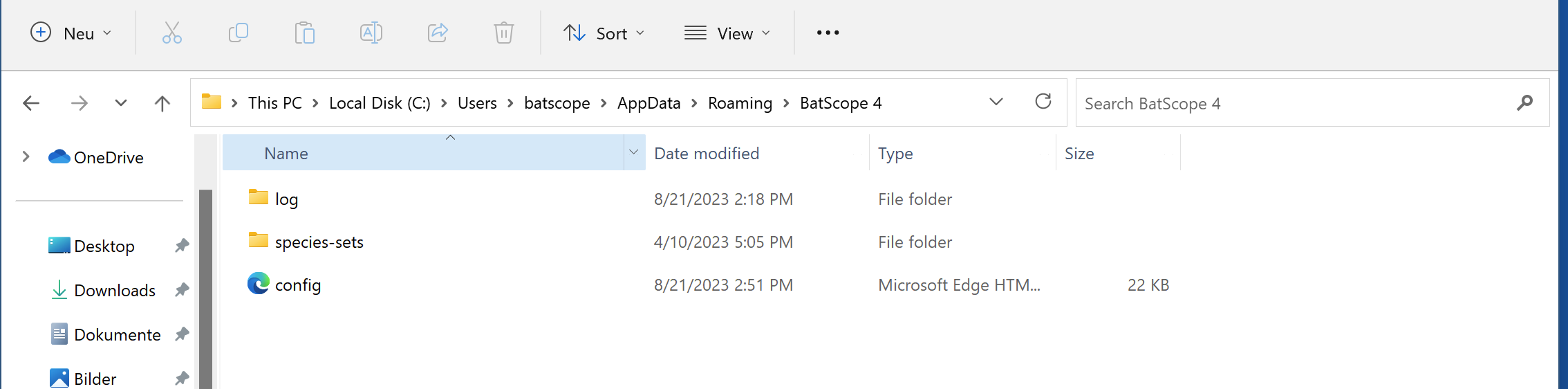
Copy the text-document “batscope4” (which is the current log) to your mail-program. If the problem occurred previously, copy the appropriate time-stamped log-file to your mail-program.